 telegra-me
Notifications
Get a message on Telegram when something important happens — a build finished, a task completed, or a heads-up you asked for.
Runs quietly in the background
telegra-me sends updates and questions from your computer’s AI assistant straight to Telegram — so you can answer from your phone, even when you’re away from your desk.
Long-running AI tasks don’t pause when you step away. An agent might finish a job, hit a decision point, or need your approval — while you’re in a meeting, commuting, or simply on the couch.
Without a way to reach you, work stalls. With telegra-me, your assistant can tap you on the shoulder through Telegram and wait for your reply.
Simple, focused tools that keep you in the loop without opening another app on your computer.
Get a message on Telegram when something important happens — a build finished, a task completed, or a heads-up you asked for.
Your assistant can ask you a question on Telegram and wait for your answer before continuing — text, photo, or voice.
Install once and forget it. A small service on your computer stays ready so your AI can reach you anytime — no terminal window required.
Create a private Telegram bot and connect it to telegra-me on your computer. Only your chat can send or receive messages.
Point your AI coding tool at the local telegra-me service. Your assistant can now send messages and ask questions through Telegram.
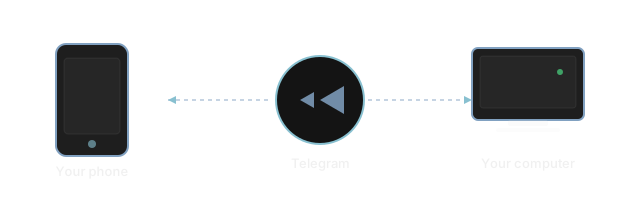
When your assistant needs you, you get a Telegram notification. Reply from your phone and the answer flows back to your computer.
If you use AI coding tools and want a private, phone-friendly way to stay reachable, telegra-me is for you.
telegra-me speaks standard protocols and works with popular AI clients on your machine.
Install with uv, configure your Telegram bot token and API key,
then point your MCP client at the local HTTP endpoint. The daemon binds to
loopback only and runs as a background service on macOS or Linux.